Home › Blog › Job Documents › ATS-Friendly USA Resume
Job Documents · USA
ATS-Friendly USA Resume: How to Pass Screening in 2026
Published / Reviewed: 1 November 2026 · Reading time: 8 min · Reviewed by: NationsDocs Editorial Desk · Scope: USA only. This post is about the USA format; UK, Canada, and Pakistan formats differ and are covered separately.
Agree first: your resume is read twice, and the first reader is software
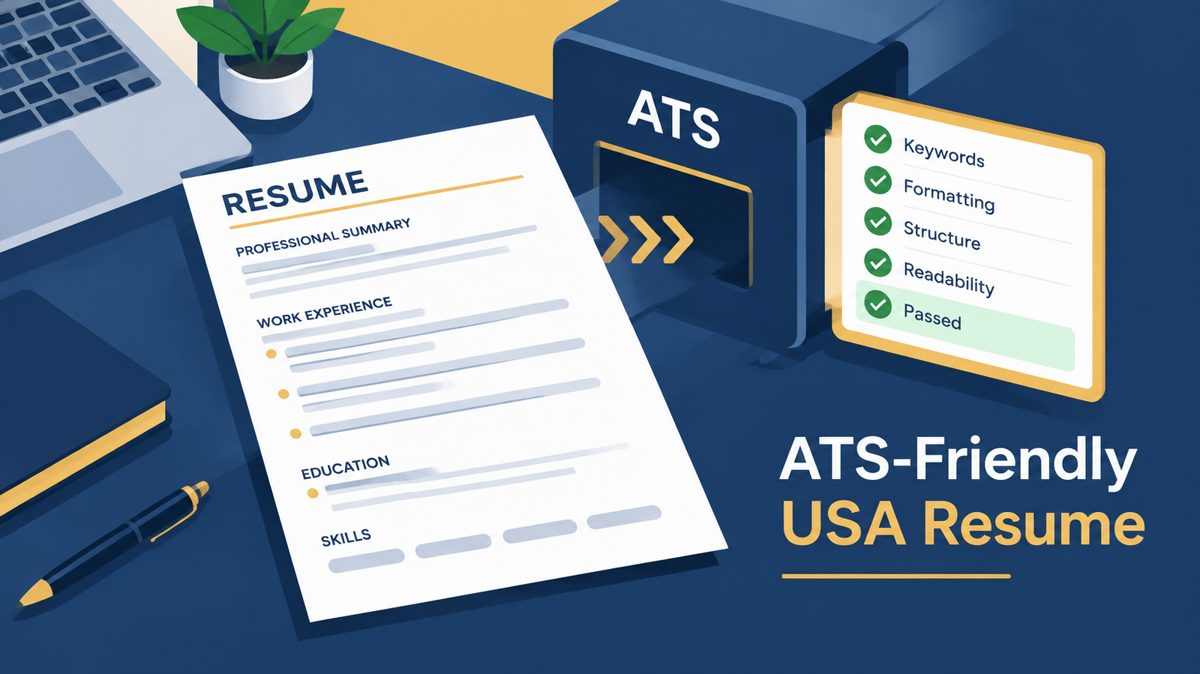
If you have sent a good-looking resume to US employers and heard nothing back, the problem may not be your experience at all. Most large US employers run the resume through an applicant tracking system, an ATS, before a recruiter ever opens it. That system does not admire your design. It extracts your file into plain text, guesses which line is your name, which block is a job, and which words are skills, and then files the result so a recruiter can search it. A beautiful two-column layout that looks perfect on screen can arrive in that system as scrambled text, with a skill glued to a job title and a date attached to the wrong role. This post explains, in plain order, how to build a USA resume that survives that first reading and still reads well for the human who comes second. It promises no score, no ranking, and no interview guarantee, because no honest guide can promise those.
What an ATS actually does, in six plain steps
- Ingestion: you upload a .docx or a text-based PDF.
- Text extraction: the system pulls the text out of the file. A scanned page or a screenshot saved as a PDF has no real text underneath, so there is nothing to extract.
- Parsing: it maps that text into fields: name, contact details, job titles, employers, dates, education, skills.
- Normalisation: dates, phone numbers, and titles are put into standard forms.
- Keyword and semantic matching: it compares the parsed content with the job description, increasingly for context, not only for exact word counts.
- Filtering and ranking: recruiter rules and a match score decide which resumes reach a human.
The practical lesson is mechanical, not magical. If the file cannot be extracted cleanly, the matching step never gets a fair chance to judge your experience.
The format that survives parsing
Build from a blank single-column file, top to bottom, left aligned. Use standard headings in this order: Summary, Experience, Education, Skills, and Certifications only where relevant. Avoid creative headings such as My Journey, because a parser looking for Experience may not recognise them. Put your contact block in the body of the document, never in a header or footer, because some parsers skip header and footer regions entirely. Use a standard font such as Arial, Calibri, or Times New Roman at 10 to 12 points, plain round bullets, and one consistent date format, for example Jan 2024 to Present, on every role. Save as .docx unless the posting asks for PDF, and if you send a PDF, make sure it is a true text PDF, not an image. Length: one page under about ten years of experience, two pages above that. Extra length without extra signal hurts you with both the software and the human.
What breaks parsing, and what to use instead
- Two columns and sidebars: the reader can mix the sidebar with the experience column. Use one column instead.
- Tables, text boxes, and graphics for key content: dates in separate table cells can be read as blank or attached to the wrong job. Use plain stacked job blocks instead: title, company, location, dates, then bullets, one role fully finished before the next begins.
- Icons and skill bars: a bar has no text value. Write the skill as a word, inside a bullet that proves it.
- Headers, footers, and images carrying text: move that text into the body.
- Functional resumes that hide the dated history: a parser needs the dated work history to map your career. Keep reverse-chronological order.
Keywords the honest way: mirror the posting, only for real experience
Read the posting and note the exact skill words it repeats, then use those exact words, but only inside bullets that prove real work. If the posting says stakeholder communication and budget oversight, and you have genuinely done both, those phrases belong in the bullets that show them, not in a long list at the bottom with no proof behind it. Modern screening increasingly reads context, so a keyword with no supporting work behind it helps less than it used to, and keyword stuffing, hidden text, and invented skills damage trust when a human checks. The summary at the top deserves special care: three or four sentences that name the target role and the most relevant real skills, because that is where both the system and the recruiter look first.
A fictional before and after
The example below is fictional, invented only to show the writing pattern. It is not a real person's career.
Before, duties only: Responsible for warehouse operations and team coordination.
After, proof in one bullet: Led stock validation across three warehouse sites, cutting monthly stock errors from 42 to 11 in four months.
The second bullet works because it has four parts: a strong verb, an object, a constraint, and a result. Apply that pattern to your own real work, with numbers that are true and that you can defend in an interview. Never add a percentage, a salary, or a project that did not happen.
The pre-send test that takes two minutes
- Select all the text in your resume file and copy it into a blank document. If the order scrambles, a parser will scramble it too.
- Check that every heading, job title, date, and skill survived in the right order.
- Check the file type the posting asks for, and send that type.
- Read the pasted text once as a recruiter would: does the first screen show the target role, the relevant skills, and the most recent role clearly?
Frequently asked questions
How do I make my resume ATS friendly?
Make your resume ATS friendly in five steps: use a single-column layout, use standard headings (Summary, Experience, Education, Skills), use a standard font at 10 to 12 points, mirror the job posting's exact skill words only where they are true, and save as .docx unless the posting asks for a text-based PDF. Then run the plain-text test in the section above.
What is the best ATS friendly resume format for USA jobs?
The best ATS friendly resume format for USA jobs is a reverse-chronological, single-column document with no tables, columns, text boxes, graphics, or photos, with contact details in the body, consistent month and year dates, and one page for most applicants and two pages only with about ten or more years of relevant experience.
How do I test or check my resume for ATS?
Copy all the text into a plain-text editor. If the order scrambles, headings disappear, or dates attach to the wrong job, the ATS will struggle too. Fix the layout first, then check that every required skill from the posting appears once in a skills section and once inside a bullet that proves it. No third-party score can guarantee an interview, and chasing a perfect score is the wrong goal.
Is PDF or .docx better for a USA resume?
Both work when the file is clean text in a single column. Many older enterprise portals parse .docx most predictably, so send .docx unless the posting specifically asks for PDF.
Does an ATS reject most resumes?
Claims of a single rejection percentage circulate widely and vary by employer, system, and role, so treat any one number with caution. What is certain is that a file that cannot be parsed cleanly cannot be judged fairly, whatever the employer's rate is.
Can NationsDocs prepare this format?
Yes. The USA Services page covers the ATS-friendly resume, delivered as an editable Word file plus a clean PDF after approval, with one free words-only revision. The first post in this job-documents cluster, The Complete Guide to Resumes and CVs by Country, explains how the USA format differs from the UK, Canada, and Pakistan formats.
Need this document prepared?
Order through NationsDocs and get an initial draft preview within 2 hours of cleared payment and complete details.